
Phase 5: Log retrieval
Logs that travel without getting lost or tampered with.
The Cube records everything it decides and everything it observes: badge arrivals, access granted, power use, unknown devices, rules applied. This log stays in the Cube first, and it is an authorised user's mobile app that comes to collect it and carry it to the administration server or, if you would rather stay entirely local, to a dedicated workstation.
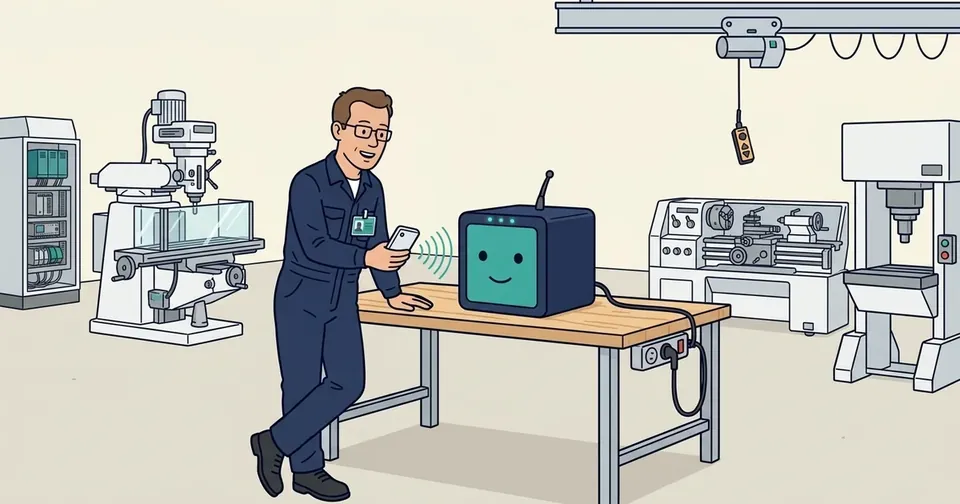
See a night of outages in the 3D scale model of the workshop: jamming, a power cut, the mains returning, the clock, then the morning synchronisation.
One synchronisation, one button
In the Sync tab, each Cube shows what it is waiting for: “▼” for rules to deliver, “▲” for logs to bring back. One tap on “Synchroniser” (synchronise), a Face ID confirmation for sensitive operations, and the app does the full round trip: it delivers the new rules, collects the log entries, then hands them to the server as soon as it has a connection.
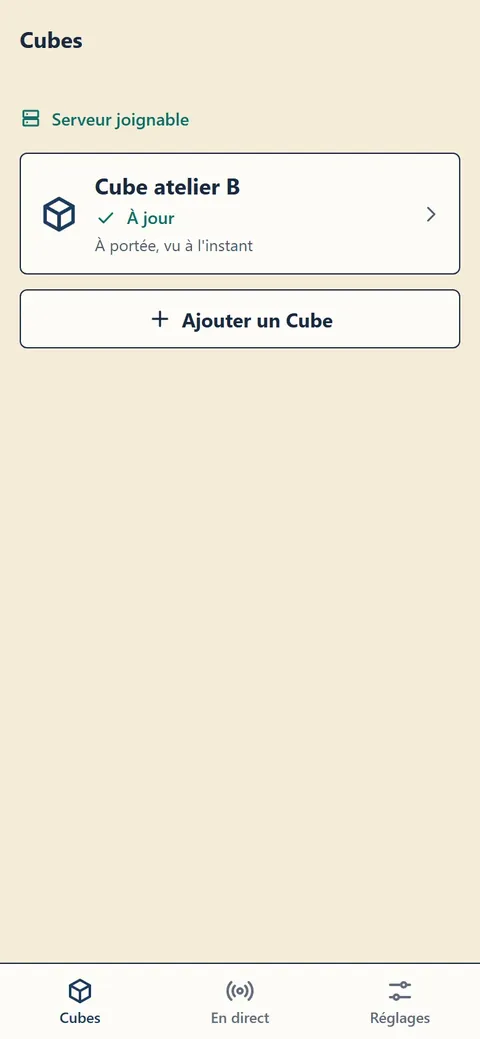
Screenshots taken in demonstration mode with fictitious data; the app interface is currently in French.
A readable log…
The collected entries appear on the Cube's detail screen in plain language: who arrived, which badge proved its identity, which machine drew power, which unknown device came close. Important events stand out in red; the rest reads like a logbook.
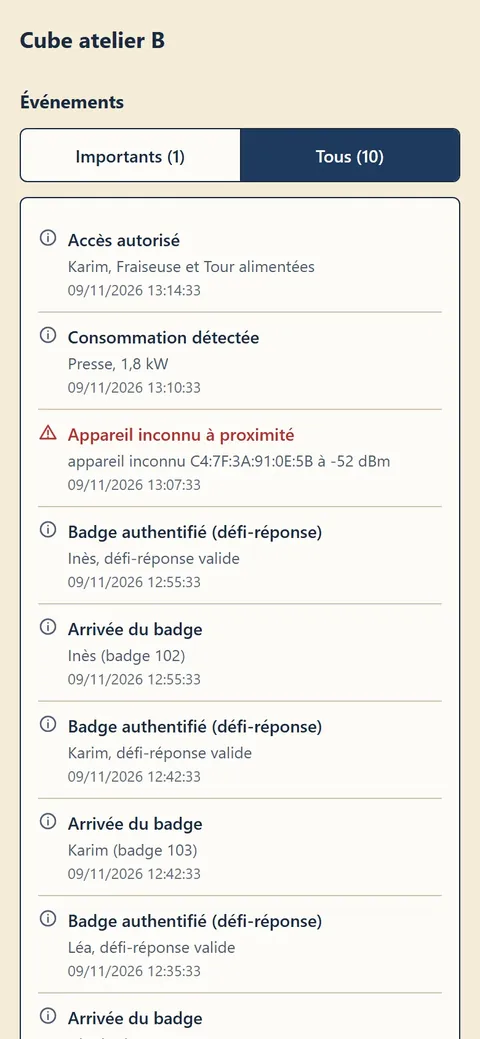
Screenshots taken in demonstration mode with fictitious data; the app interface is currently in French.
… and hard to tamper with
Each entry is linked to the previous one, and the whole is signed by the Cube: if someone deleted or edited a line along the way, the server would notice. The phone carries the log; it cannot rewrite it. To remove any doubt about delivery too, the app keeps a transfer log in which each line is written only after the recipient has acknowledged receipt, as shown in the appendix on network isolation.
Day to day, it takes very little effort: a manager simply needs to pass by the Cube now and then, phone in hand, and tap “Synchroniser”.