
Phase 2: A normal day
Everyday access, silent and local.
The right person, on the planned equipment, at the scheduled time, enters the Cube's detection zone: access happens seamlessly. No cloud call, no delay, no friction.
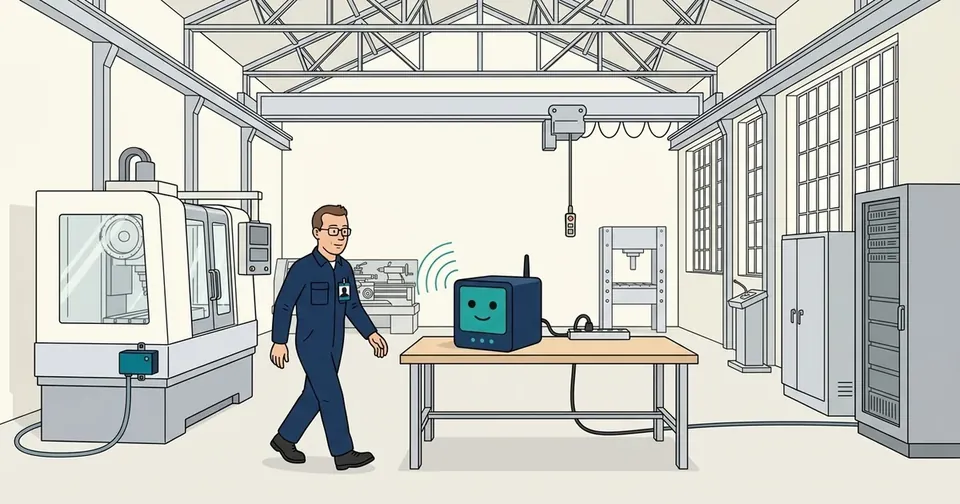
The day, panel by panel
Watch this day in the 3D scale model of the workshop, where you can move the machines, put the Cube on the workbench or in the cabinet, and replay the Cube's log.
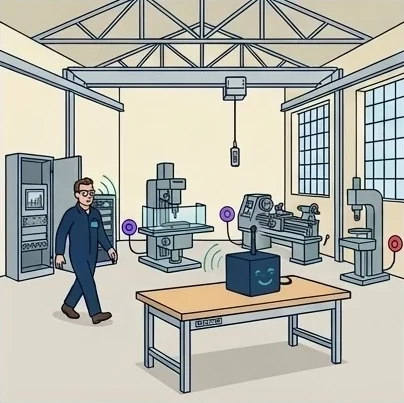
1 · Arrival
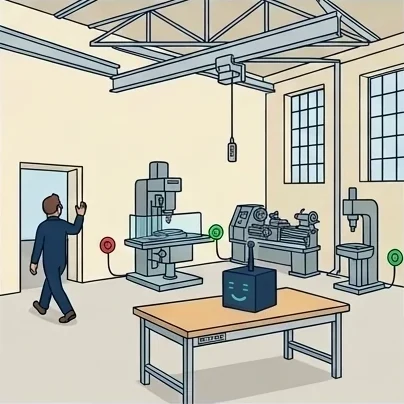
It is seven in the morning, the workshop is still quiet and every plug is red: nothing can start. The technician walks in, his badge on his chest. The Cube spots him as soon as he comes through the door, without him having to take anything out of his pocket, and the plugs of the machines that concern him, the milling machine and the lathe, turn violet: something has just changed, and the Cube is on it.
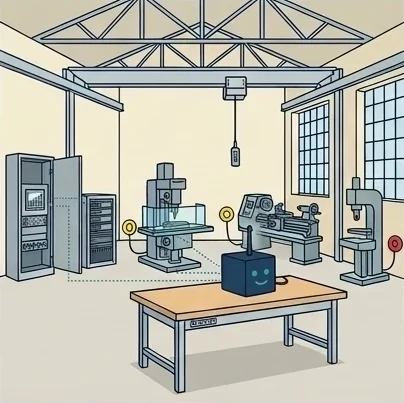
2 · The check
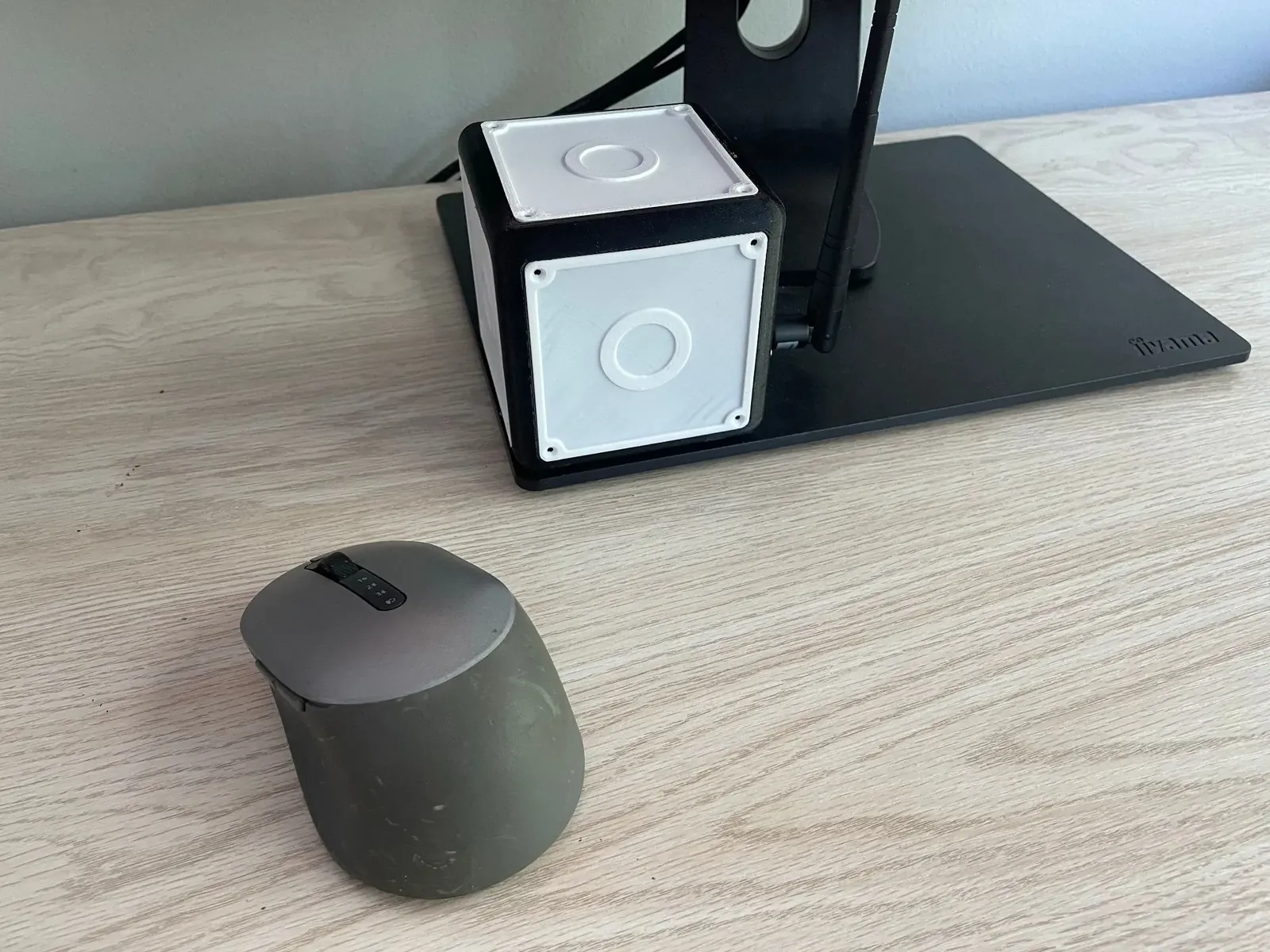
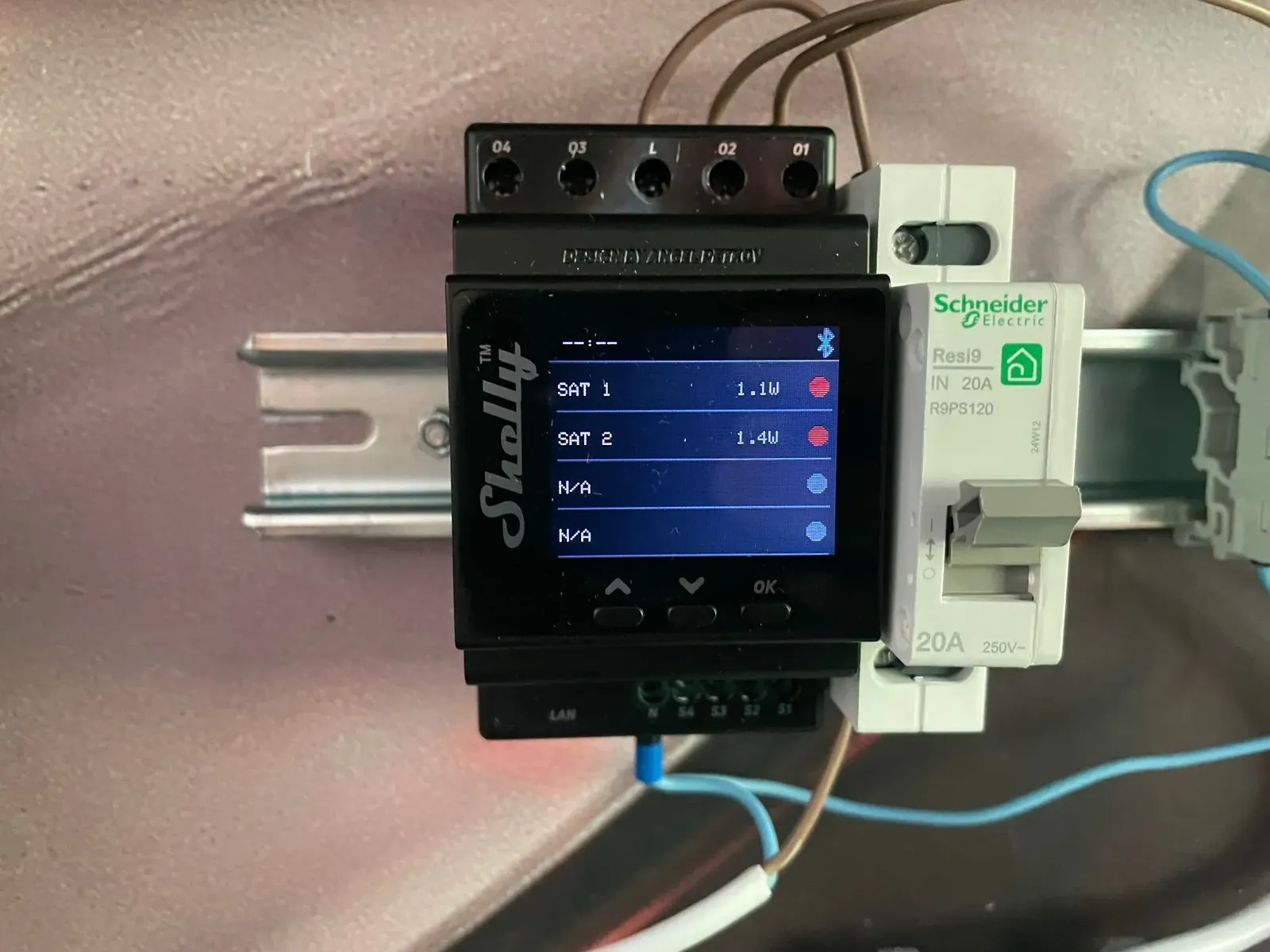
Before opening anything, the Cube makes sure the badge is the real one, by asking it a question only that badge can answer, then it looks up the access rules: this person, these machines, at this time of day. During that brief moment, the plugs turn yellow. In the electrical cabinet, the meter linked to the Cube keeps track of each line it supplies.
3 · At work, and someone arrives
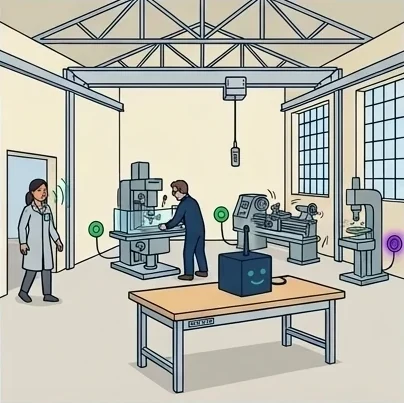
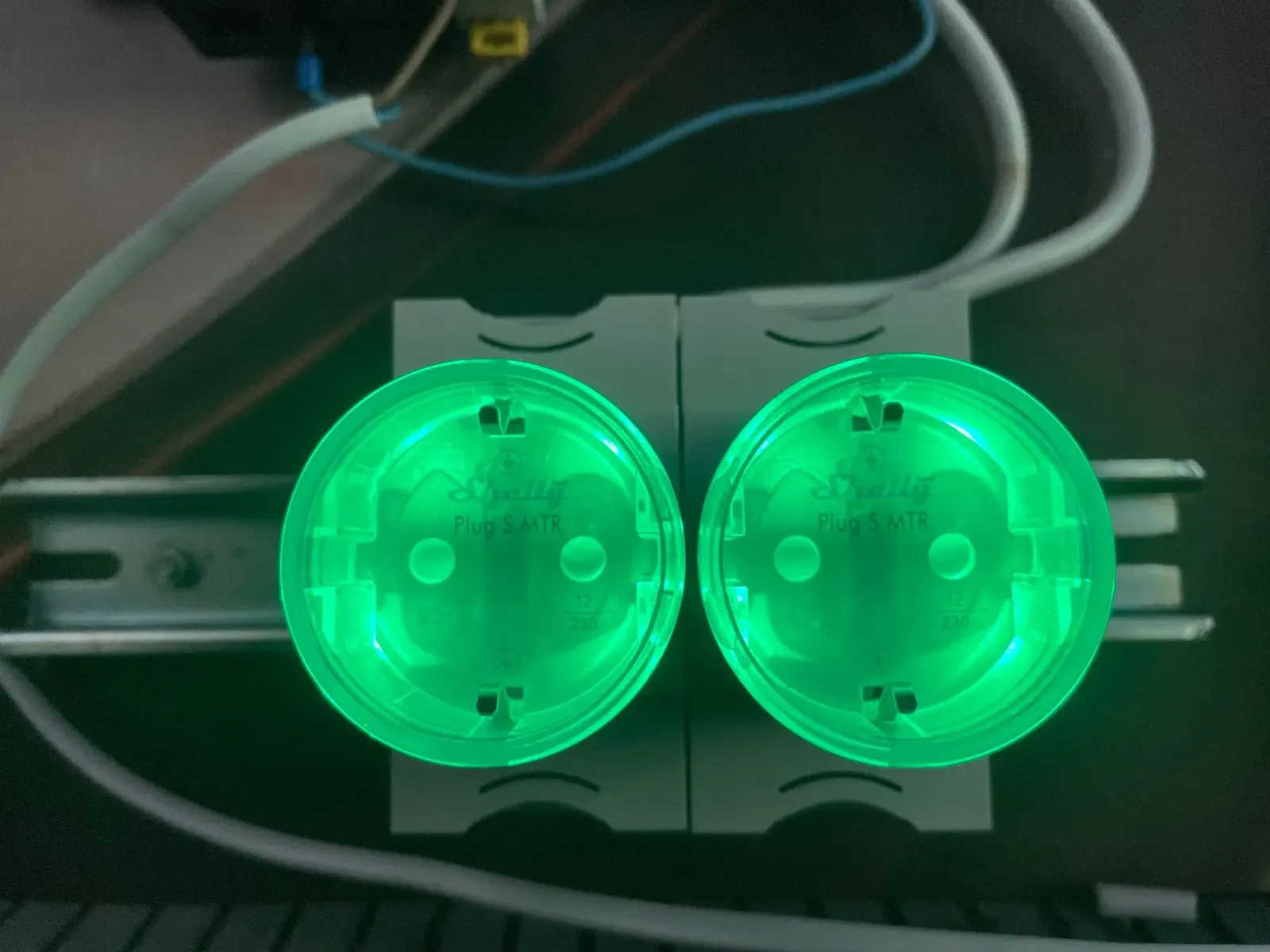
The rules are clear: the milling machine and the lathe switch on, their plugs turn green, and the technician gets to work without having asked anyone for anything. The press stays blocked, since he has no use for it. A colleague arrives in turn, and the press plug turns violet: the Cube has just spotted a new badge.
4 · The whole workshop is running
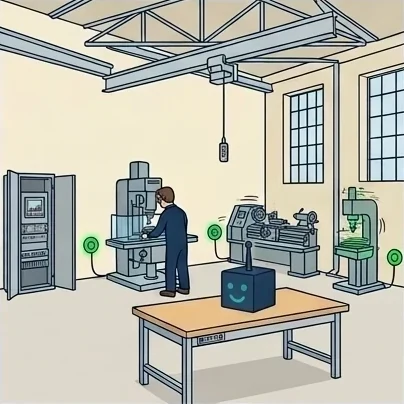
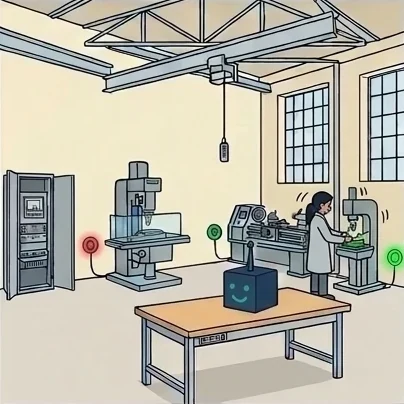
The colleague is authorised on the press, which switches on in turn. All three plugs are green: the state of the workshop matches exactly the people present and their rights. Nobody opened the app, nobody waited, nobody had to think about it.
5 · Someone leaves
The technician finishes his day and leaves. The Cube notices that his badge is gone: the milling machine, which only he was allowed to use, stops and its plug turns red. The lathe stays on, because the colleague, still present, is allowed to use it.
6 · A secured machine
The colleague carries on working at the press. The milling machine stays blocked until its authorised user comes back: nobody can put it back into service in his place, not even a colleague who is present and authorised on other machines. The workshop goes about its day, and what must stay secured is secured, without anyone having to deal with it.
Three certainties before every access
The Cube continuously analyses its radio-frequency (RF) environment and maintains a real-time inventory of the equipment and people present. When an enrolled operator approaches a machine within their time slot, three certainties line up:
Presence (filtered by RSSI signal level);
Identity (proven by a hardware challenge-response);
Authorisation (checked against the signed policy).
The Cube then issues a short-lived signed capability to the satellite. The authorised machine's power outlet switches on. Every authorisation is time-stamped and signed.
On our demonstrator
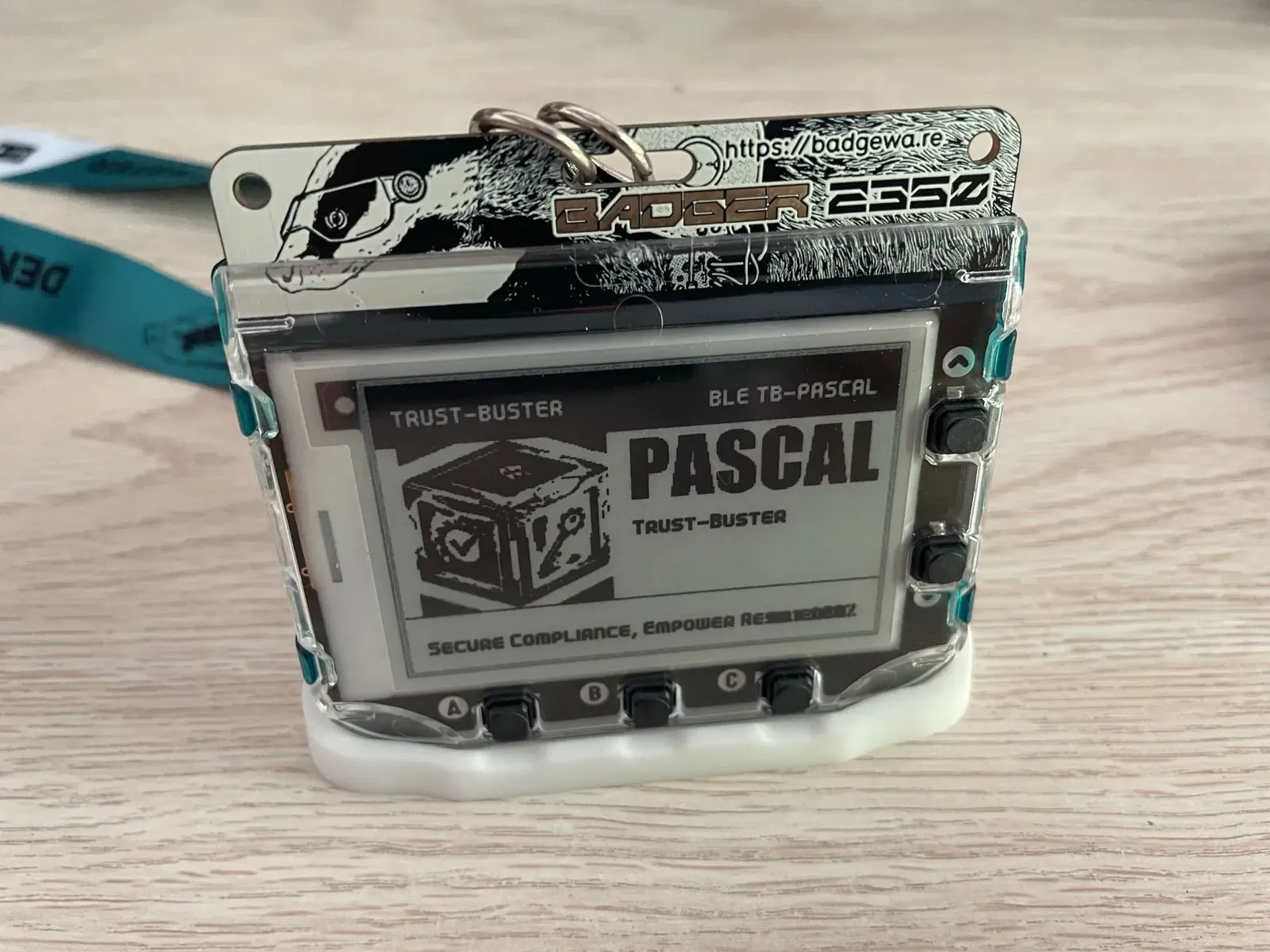
In this scenario, the 2 outlets are controlled automatically by the Cube: Pascal's arrival is simulated by activating the BLE radio of his badge. Straight away, the outlets that were off (red) switch to detection (purple): "someone we are linked to has just arrived, what are the instructions?". An exchange is established automatically and the list of rules is checked to see whether a change is needed. Here, both outlets are set to switch on automatically, so they are activated (green).
So in most cases, no interaction is needed, either with the Cube or with the outlets. A simple glance at the colour informs Pascal and tells him that he can start working.
In the app
In a busy workshop, nobody needs to open the app to get on with their work: badges are recognised as people walk in and the sockets switch on by themselves. The app is rather for the manager who wants to check, at a glance, that everything is running normally. The Temps réel (live) tab shows what the Cube perceives right now: everyone present, marked “authenticated” when their badge has correctly answered the Cube's challenge, and every machine with its state.
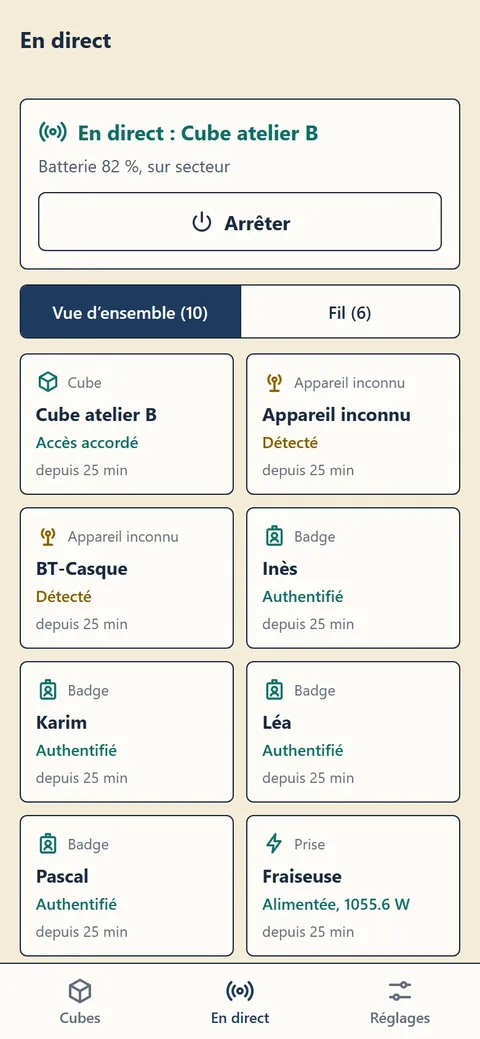
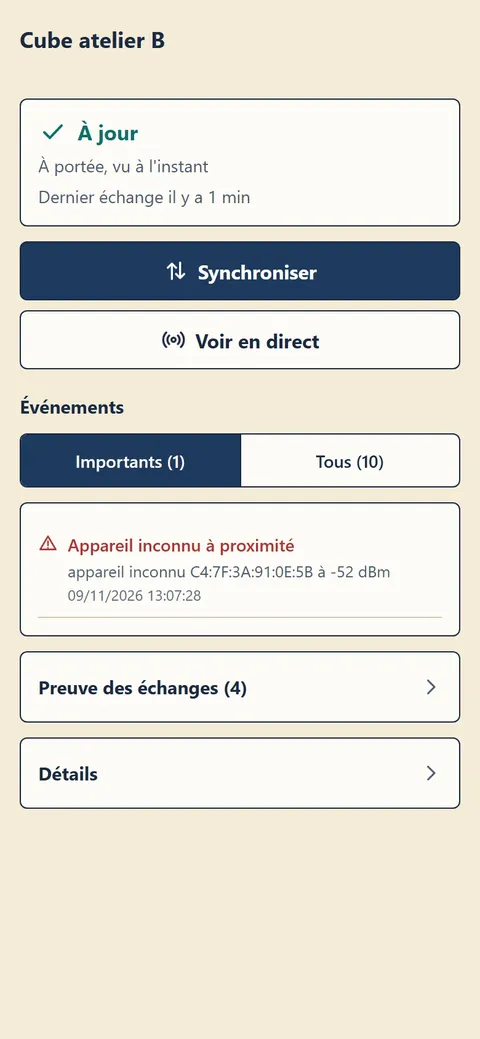
Screenshots taken in demonstration mode with fictitious data; the app interface is currently in French.
The event counter climbs quickly in a busy workshop, several hundred in a few minutes, yet the screen stays readable: green means all is well, and only the situations that deserve a look change colour.