
Phase 1: Installation & deployment
We deploy together: throughout the observation period, you retain control over how your rules are applied, as the conditions of use of each piece of equipment are progressively learnt.
The hardware is installed and enrolled on site. No cloud account is created for the equipment: the Cube is the root of trust from the very first minute and makes its decisions locally.
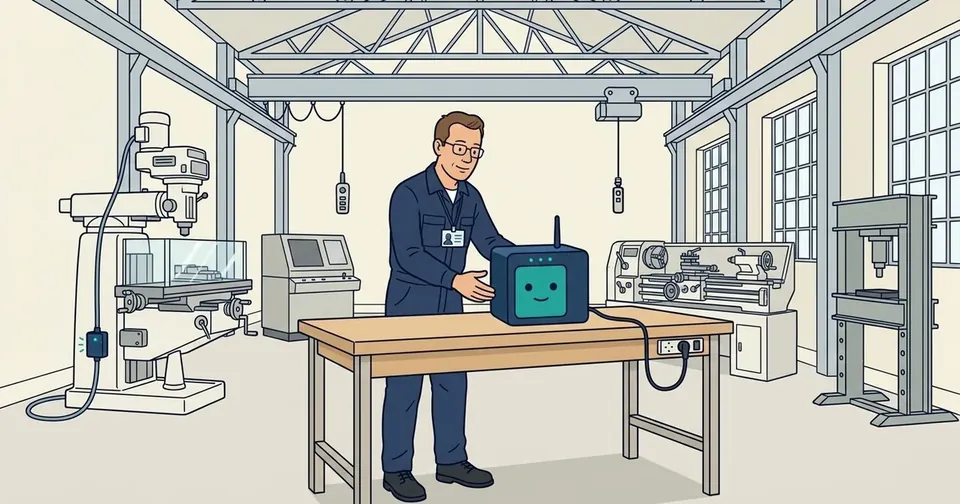
One Cube is installed per zone: on a DIN rail in an electrical cabinet, in a weatherproof enclosure outdoors, or as a mobile interactive unit at a central checkpoint.
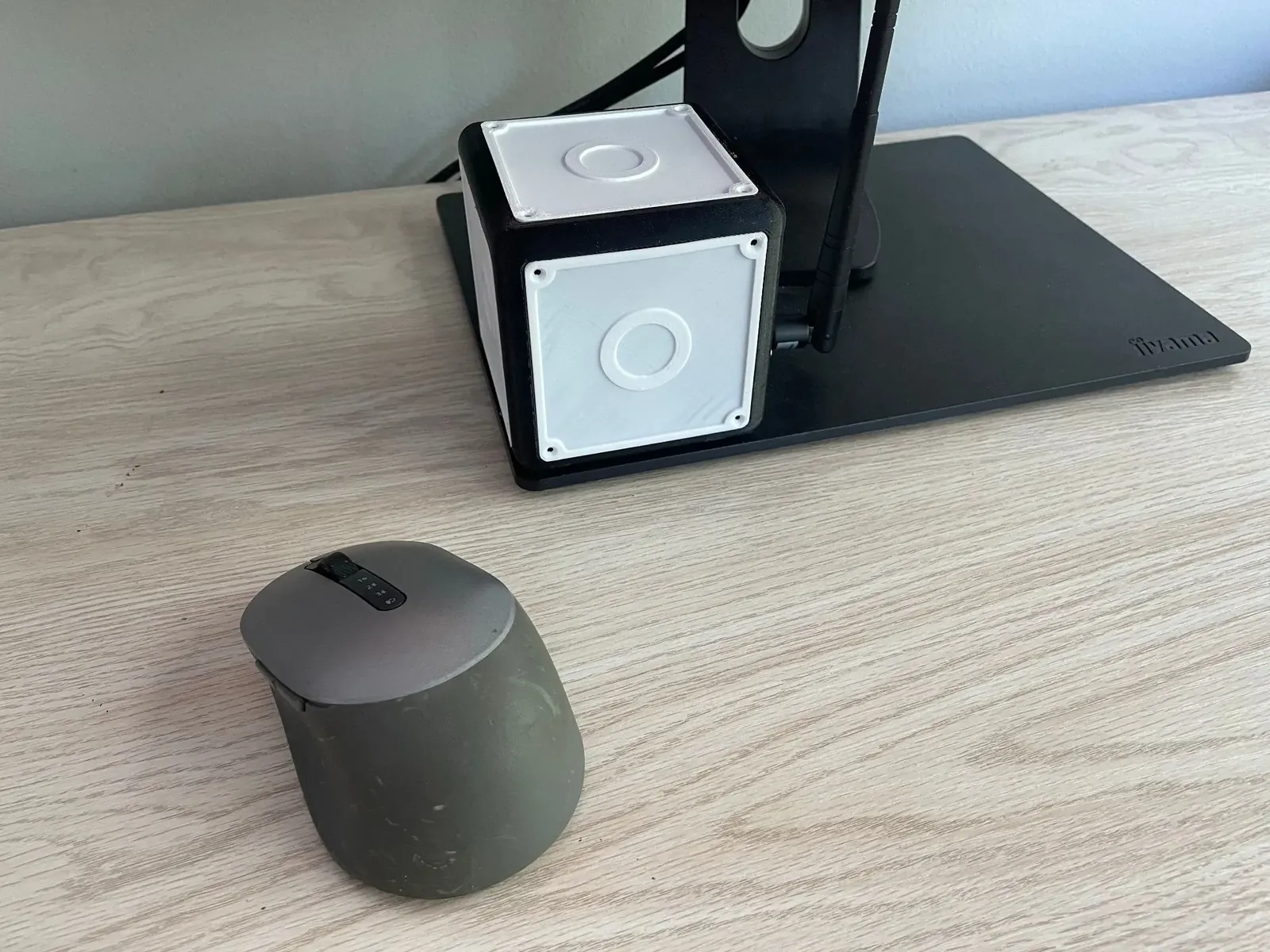
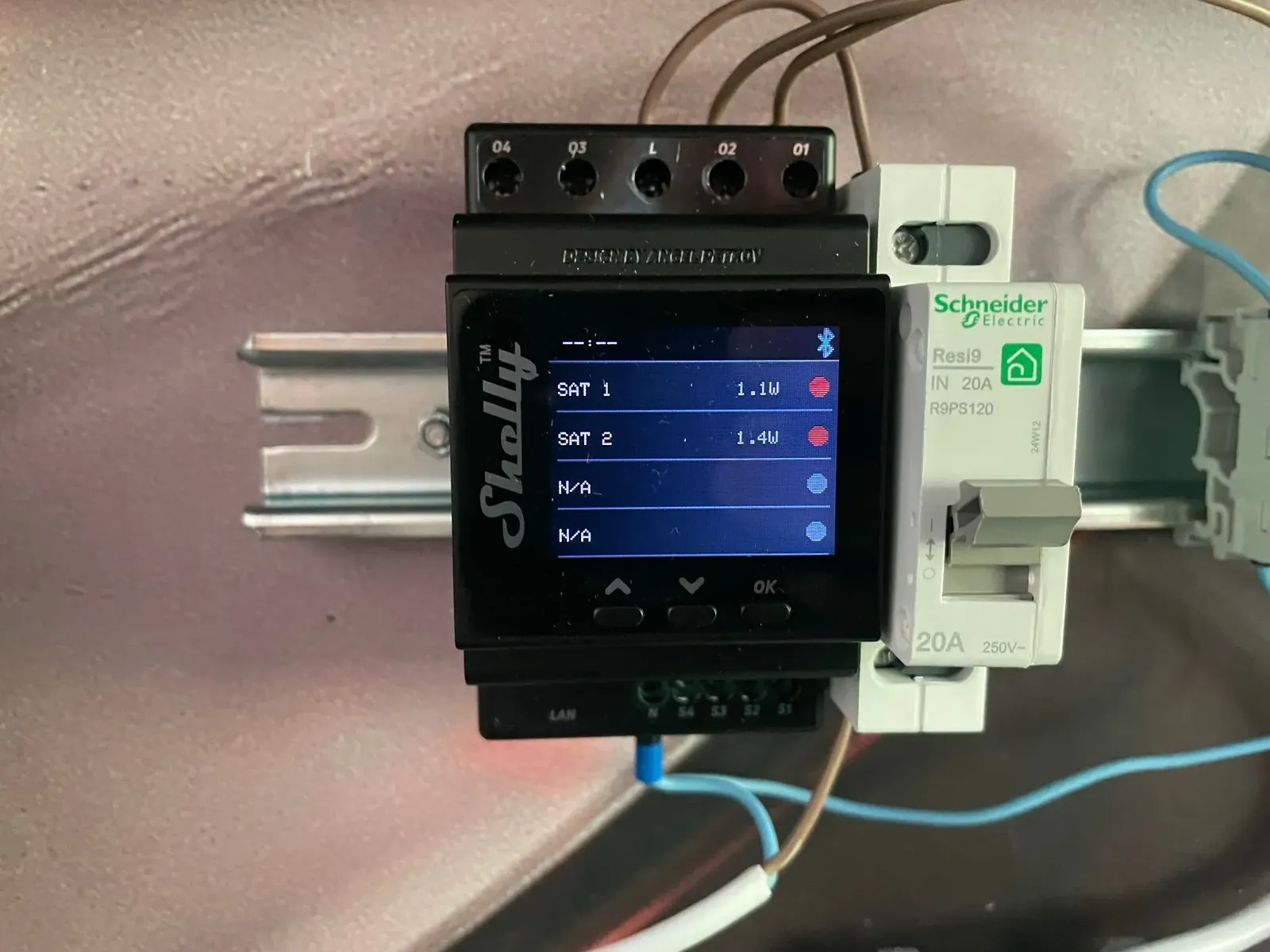
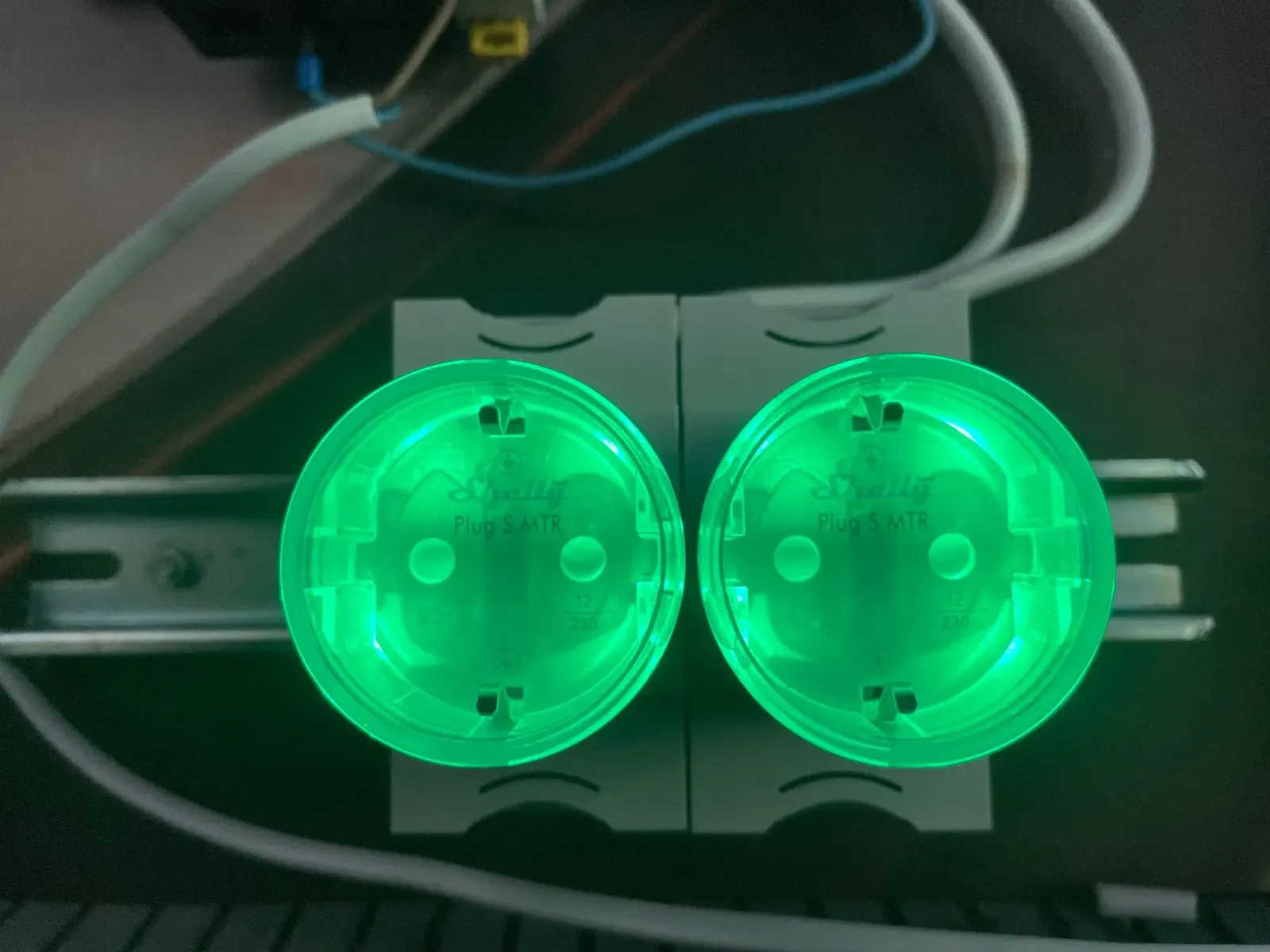
At each point of enforcement, we position a satellite: an energy meter in an electrical cabinet, smart outlets on a machine's power supply, a serial gateway on a machine's bus, or a USB-HID proxy on an engineering workstation.
Enrolment binds people and equipment to hardware identities. Your access policy — who may do what, where and when — is written on the administration server (remote, within your information system, for control but not for operations) and then signed.
The rules are downloaded into the Cube from your own authorised management device: quite simply your smartphone fitted with the Bluetooth gateway application, for example. From that moment on, decision-making becomes strictly local.
In the app
On the phone side, installation takes only a few taps. The site lead opens the Cubes tab, taps “Enrôler un Cube” (enrol a Cube), and the app lists the Cubes it can detect nearby: you simply pick the right one, here the one in workshop B. Enrolment goes through the administration server, which approves the request; the Cube, for its part, never agrees to register itself with whatever phone happens to walk by.
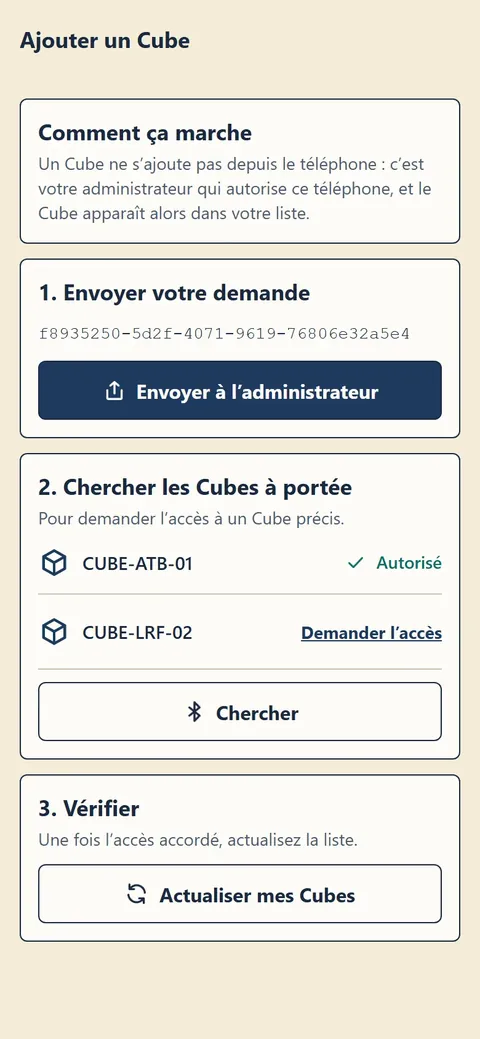
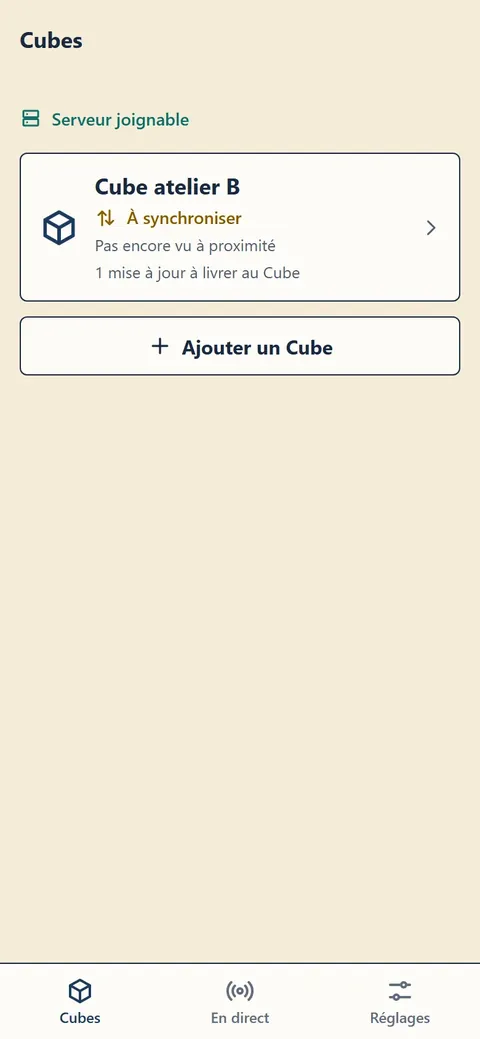
Screenshots taken in demonstration mode with fictitious data; the app interface is currently in French.
Once the Cube is in the list, the first synchronisation brings it its signed access policy. From then on, the phone is no longer needed day to day: it goes back to being a simple messenger that drops by now and then to deliver new rules and collect the logs.